三 Projects / Kaizen Reader · 2026 · solo · stopped

Kaizen Reader

A Japanese reading tool. You paste text or take a photo of it, tap any word to see its reading and meaning, and save words to a spaced-repetition deck. I built it from March to August 2026, then stopped working on it.
ROLE
Everything: product, design and code
STACK
Next.js · Supabase · kuromoji · Jitendex · Google Cloud Vision
AI
Claude Haiku 4.5 (comprehension questions and feedback) · built with Claude Code
LINKS
kaizenreader.com (still online, no longer developed)
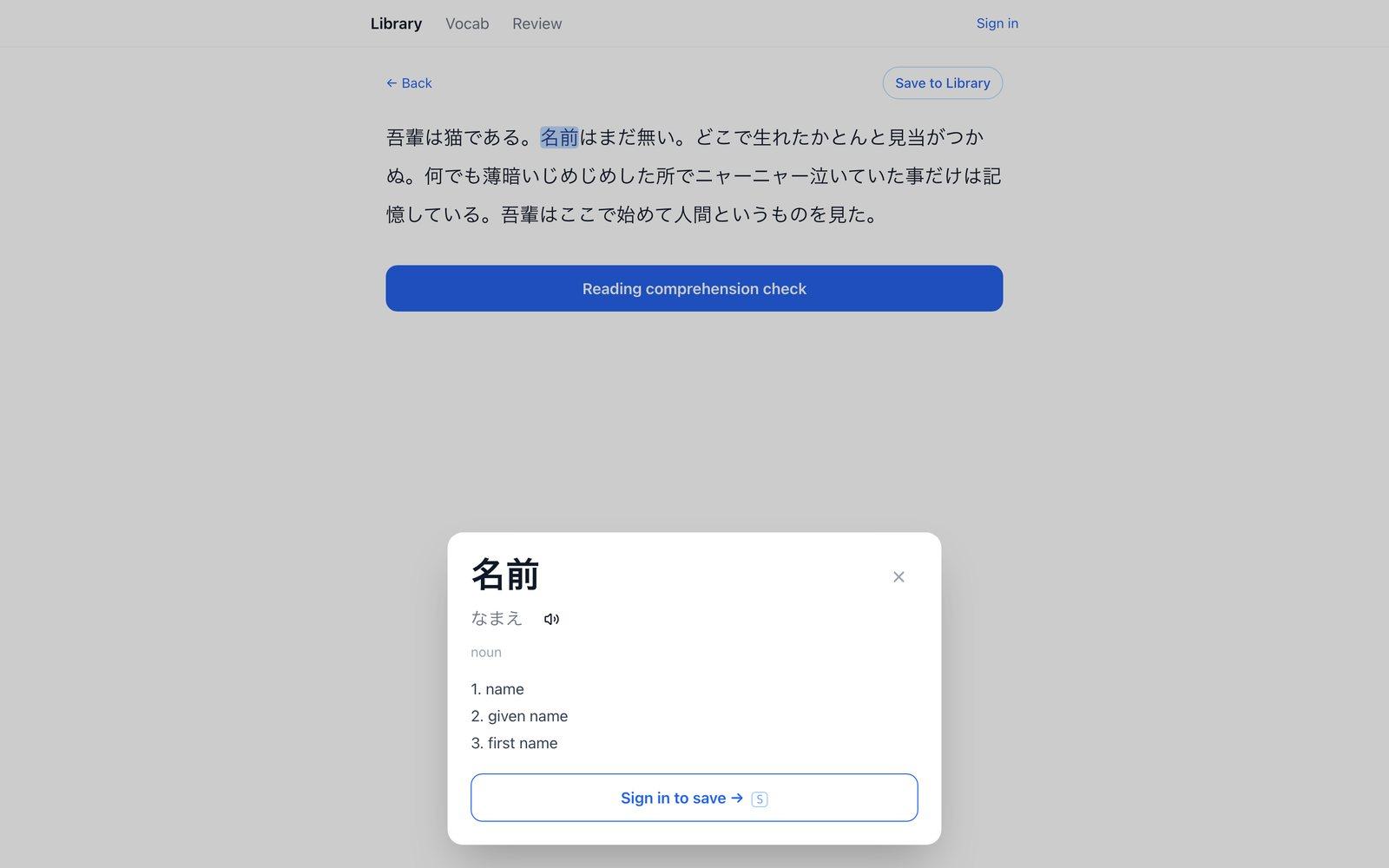
Kaizen Reader: a Japanese passage with the word 名前 tapped, showing its reading and meaningsTapping a word in the reader shows its reading, meanings and a save button.

01
Why I built it

Reading real Japanese meant switching to a dictionary for every word I didn't know, which made long reading tiring. I wanted to make it easier: one tab, no dictionary switching, and no account needed just to read.

02
What it is

It was built around photos as much as pasted text. You could photograph a sign, a menu or a school handout, and the text became something you could tap through and save words from. Saved words went into a flashcard review, and a comprehension check could quiz you on what you'd read.

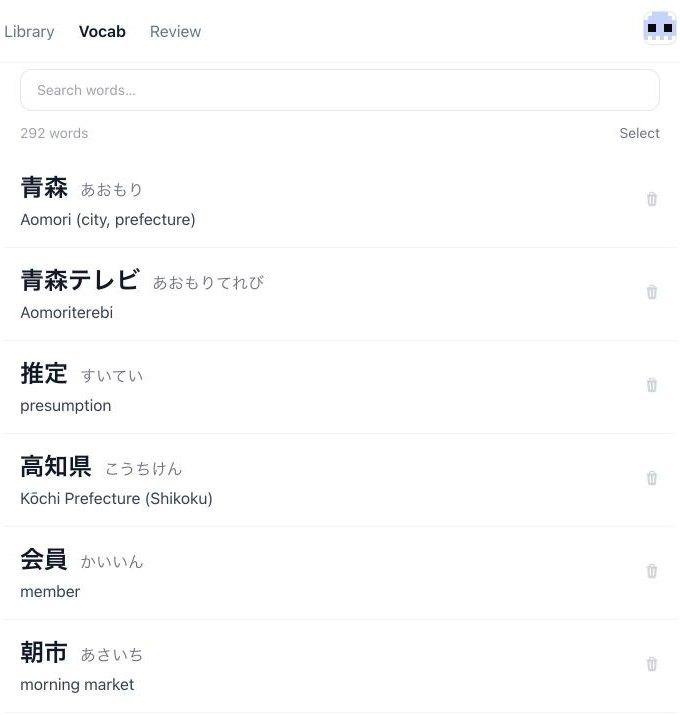
Kaizen Reader vocabulary list with readings and meaningsSaved words, with readings and meanings.
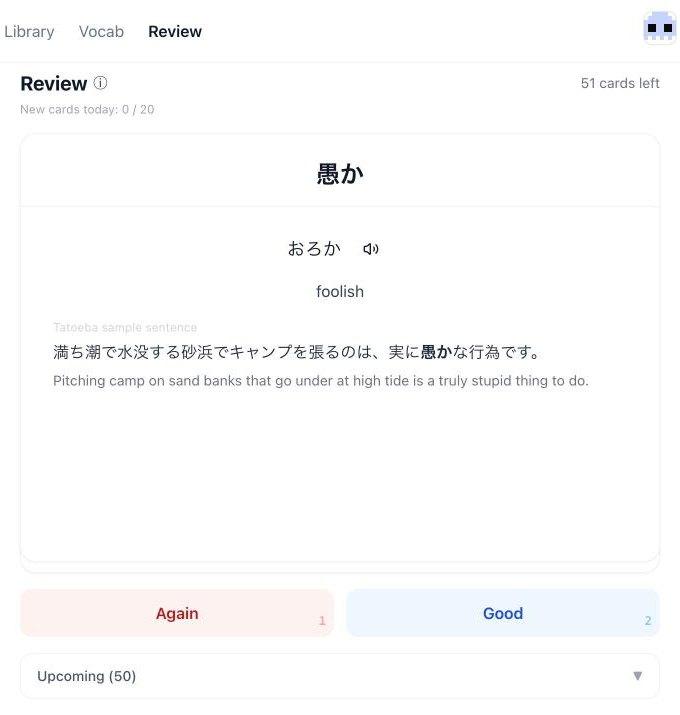
Kaizen Reader flashcard review showing 愚か with its reading, meaning and an example sentenceFlashcard review, with audio and an example sentence from Tatoeba.
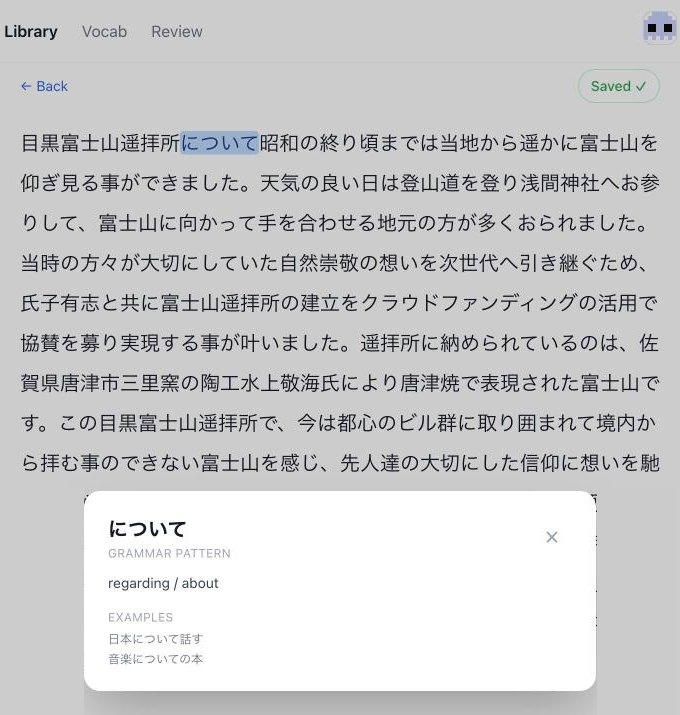
Text recognized from a photo of a sign, with について shown as a grammar patternText recognized from a photo of a sign. について is picked out as a grammar pattern.

03
How it was built

The main technical decisions, and what each one was for:

  • Tap whole words, not characters. Japanese has no spaces between words, so every passage first goes through kuromoji, a Japanese tokenizer, on the server. The reader groups the tokens so a word, a particle or a multi-word pattern like について is one tap.
  • Definitions without waiting. Lookups started on the Jisho API, which meant a network round trip on every tap. I moved them into the browser: the app downloads the open Jitendex dictionary once, through an edge route that streams it without buffering, and stores it in IndexedDB. After that, most taps answer without a network request, and Jisho stays as the fallback while the dictionary downloads.
  • Read what's in front of you. Photos go to Google Cloud Vision through a server route, and the recognized text opens straight in the reader, so a sign or menu becomes something you can tap through.
  • No account to start reading. Reading and lookups work signed out. An account is only needed to save words, so the first visit goes straight to reading.
  • Quick reviews. Saved words go into a simplified SM-2 spaced-repetition schedule with two buttons, Again and Good, and a daily limit on new cards. Words and review state are stored in Supabase with row-level security.
  • Extras. Audio for each word through Google Cloud Text-to-Speech, example sentences from Tatoeba, and a comprehension check where Claude Haiku writes questions about the passage and gives feedback on your answers. Long passages are capped at 6,000 characters to keep the cost per check down.

04
What I learned

Why I stopped

It worked, and I stopped anyway. There are dozens of reading and vocabulary-mining apps for Japanese learners already, and I couldn't name what mine did that theirs didn't. Being harder to build isn't a reason for someone to switch apps.

I never launched it publicly. Looking back, it was a learning project, and a useful one: it's where I learned the stack Suikō runs on, which is a big part of why Suikō came together quickly.